Page

Domoticz tutorial: push notifications

This tutorial will show you how to send PUSH notifications from your server to Pilot. Before starting, you need the following: A working Domoticz server, with.


This tutorial will show you how to send PUSH notifications from your server to Pilot. Before starting, you need the following:
  • A working Domoticz server, with access to the internet;
  • The app “Pilot: Home Automation Control” has to be installed on your iPhone, and already connected to your Domoticz installation;
  • The full version of the app is required to activate push notifications;

Setting up “Pilot: Home Automation Control”

  1. Launch your “Pilot: Home Automation Control” app;
  2. Go to “Settings > Notifications”;
  3. Activate push notifications;
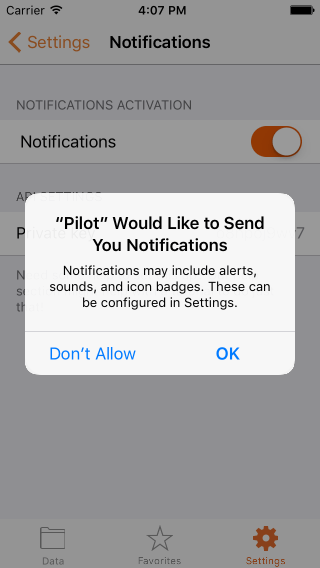
  4. Let Pilot send you notifications:

    Give authorization to send notifications
    Give authorization to send notifications

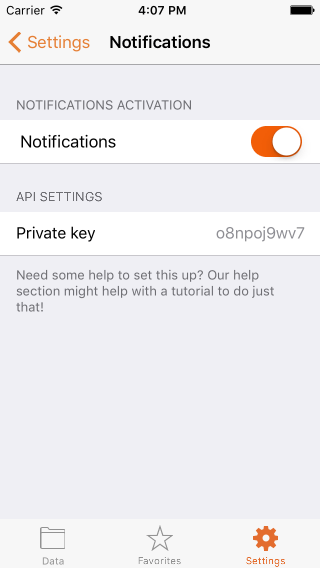
  5. After activating, Pilot will generate a random private key. Keep it aside, you will need it soon.

    Notifications screen correctly set up

    Notifications screen correctly set up

That is all for the Pilot app. Now it is time to setup your Domoticz server.
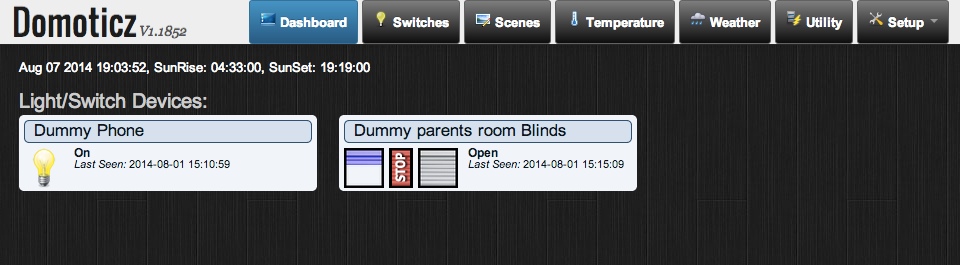
Setting up your Domoticz server

  1. Go to your Domoticz control panel;

    Domoticz homepage

    Domoticz homepage

  2. Go to the page “Setup > Settings”;
  3. Go to the “Notifications section” ;

    Goto notifications screen

    Goto notifications screen

  4. Go to the “Custom HTTP/Action:” section;
  5. Complete as follows :
    1. Check “Enabled”;
    2. #FIELD1 field: add the private key generated by Pilot;
    3. URL/Action : copy/paste this text :

      http://api.pilothomecontrol.com/#FIELD1/#SUBJECT/#MESSAGE
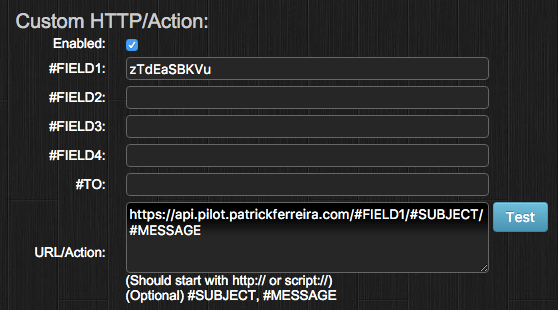
      Correct settings

      Correct settings

  6. Click on “Apply settings” ;

    Apply settings

    Apply settings

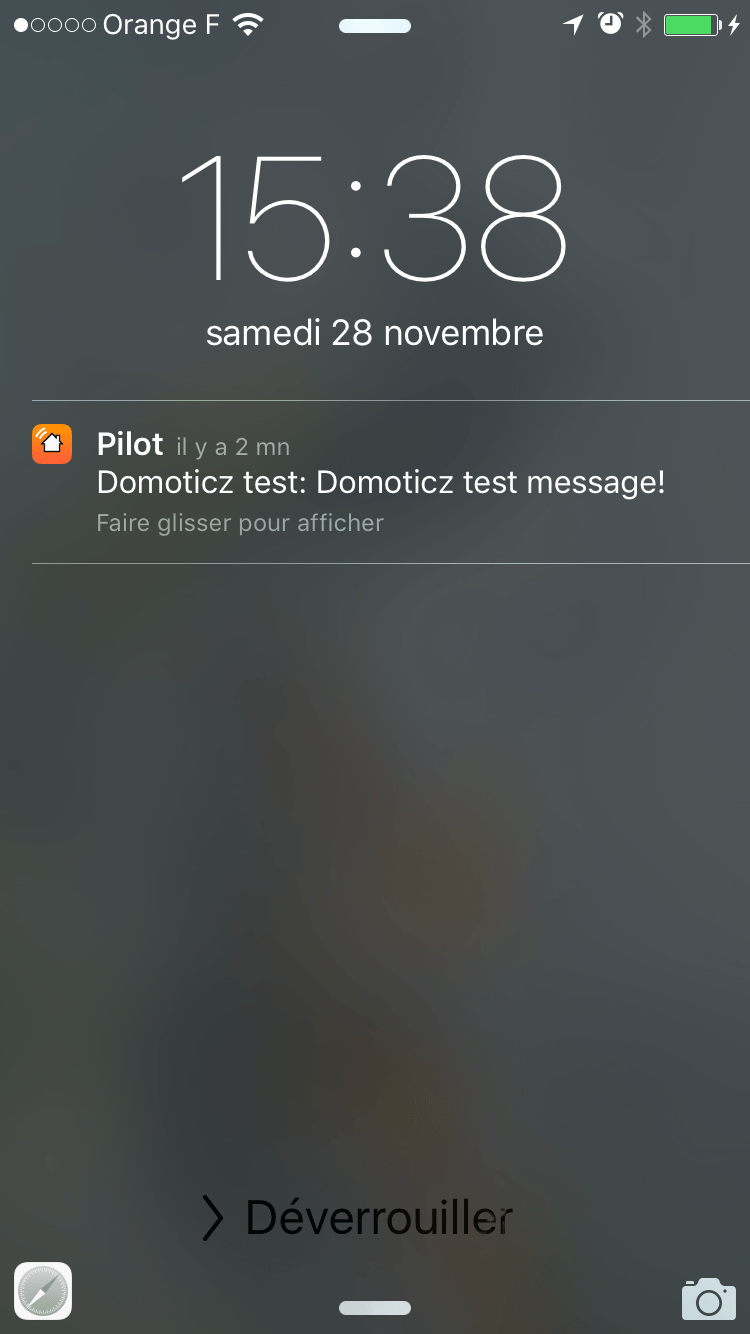
  7. If everything is correctly setup, you can click on “Test”. This will send a test notification to your iOS device. It should be sent to your device immediatly ;

    Réception d'un test de réception d'une notification.

    Réception d’une notification.

And there you go! Your Domoticz server and Pilot are now setup for notifications! It is now time to use this in all your Domoticz events.

Using push notifications

It is quite simple to use push notifications in your Domoticz server. All you need to do is add this item to your Domoticz events :

Élément à utiliser pour déclencher les notifications vers Pilot.

Item to be used for notifications

Let’s sum up

In this tutorial, I did the following:

  • Activate the notifications in “Pilot: Home Automation Control”;
  • Set up the notifications in my Domoticz server;
  • Learned how to use these notifications in my Domoticz events.

Got any question? Please leave your comments below!