Page
Jeedom tutorial: location with my iPhone
First of all, make sure you have all of this : A working Jeedom server, accessible from the internet; The Pilot plugin installed on your server;.
Page
First of all, make sure you have all of this : A working Jeedom server, accessible from the internet; The Pilot plugin installed on your server;.
This tutorial is made for the Jeedom home automation system. It will show you how to get your smartphone location, and trigger an event based on that.
First of all, make sure you have all of this :
Let’s begin with making sure everything is OK on your Jeedom server.
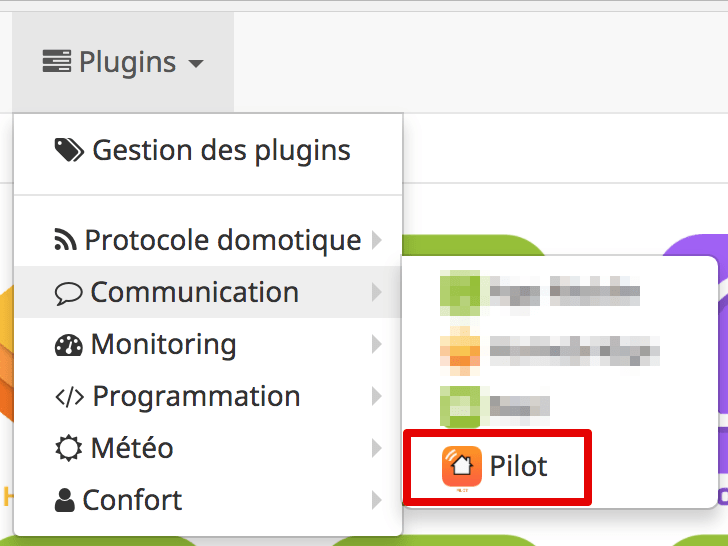
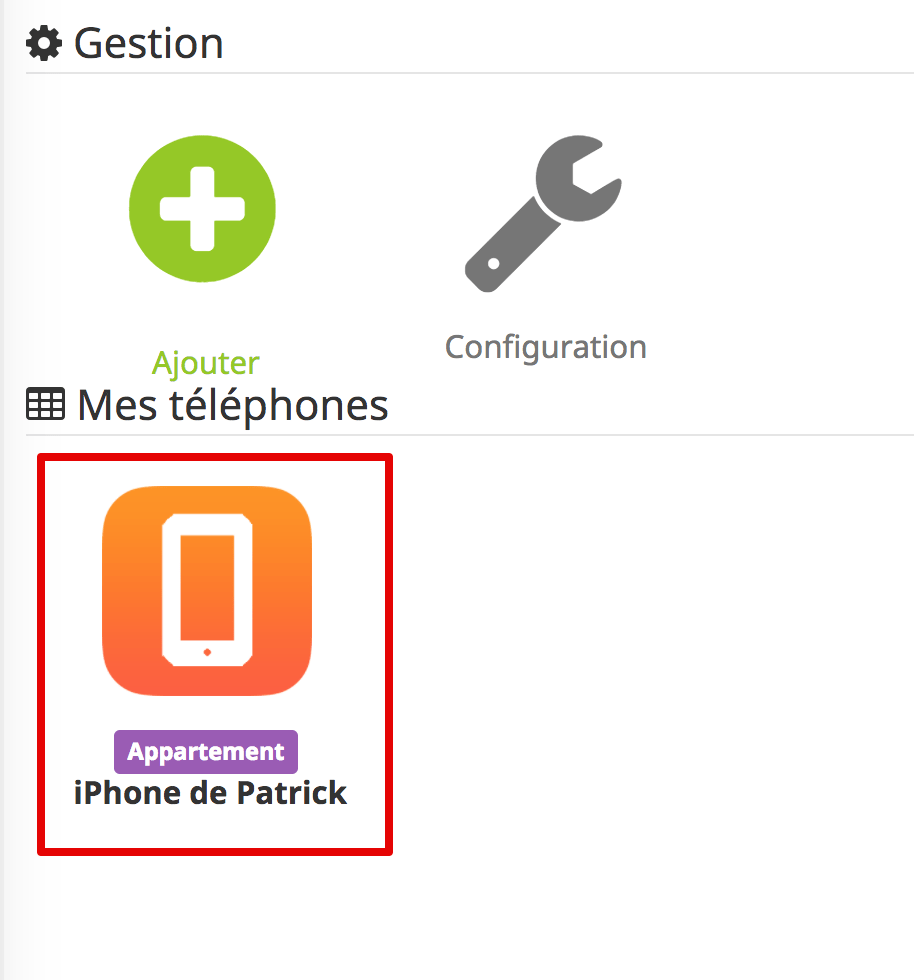
That’s all. Now let’s get in the Pilot app!
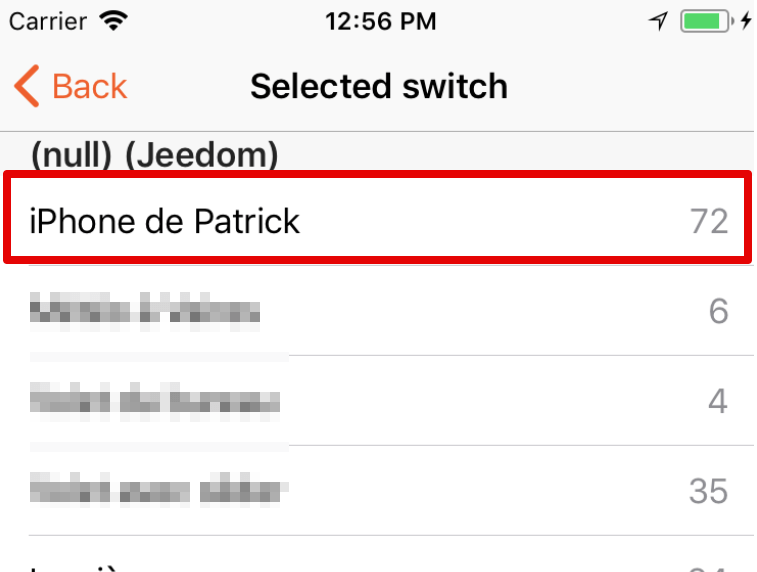
Selecting the Jeedom device in Pilot
That’s it! Your Jeedom server and your app are now all set. You can now use it in your own scenes and trigger an event whenever your device reaches, or leaves home.
As you might have guessed, the dummy switch goes “On” when the smartphone is home, and goes “Off” when it leaves home. Knowing that, you should be able to create your own events. Got any question? Please leave your comments below!
Got any question? Please leave your comments below!