Post
Pilot 3: a new way to control your home
And what if, when I left my apartment, the shutters would close by themselves, without having to do it manually?
Post
And what if, when I left my apartment, the shutters would close by themselves, without having to do it manually?
Five years ago, an idea came to me: what if I could control my shutters with my phone? And what if, when I left my apartment, the shutters would close by themselves, without having to do it manually?
Then, I went looking for a mobile app that could have allowed me to do that. The conclusion was clear: no mobile application met my need.
After a few weeks of thinking about it, a few weeks of development, Pilot was born. The first version allowed me to control all my smart home devices from my smartphone, with a minimalistic interface.
The application quickly found its audience, many people facing the same problem as I had.
The following versions have added important features:
Triggering events based on geolocation
iPad and Apple Watch support
Two widgets to control favorites and scenes from the lock screen
Data protection with Touch ID and Face ID
PUSH notifications
Search bar
Jeedom support
But since the first version, a feature had never evolved: the user interface.
 |
 |
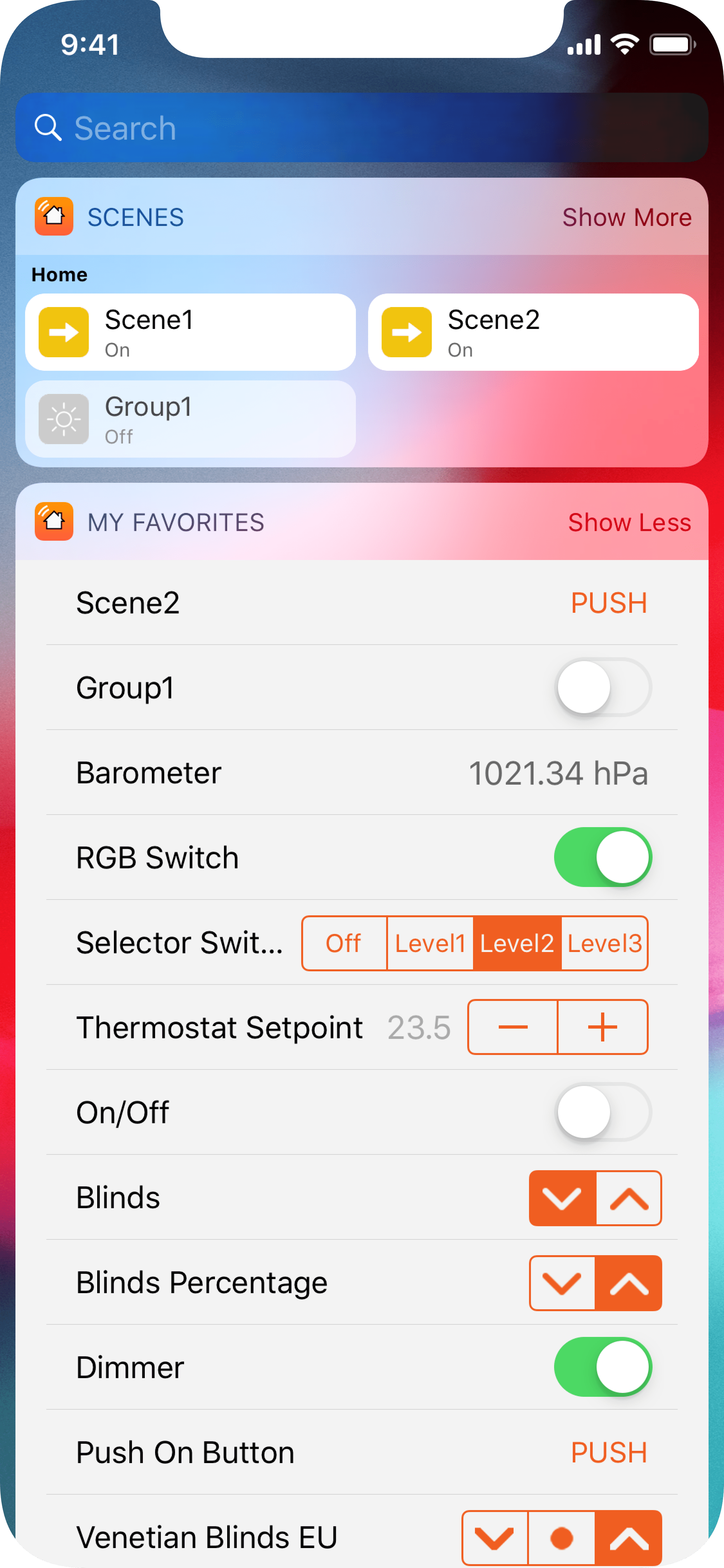 |
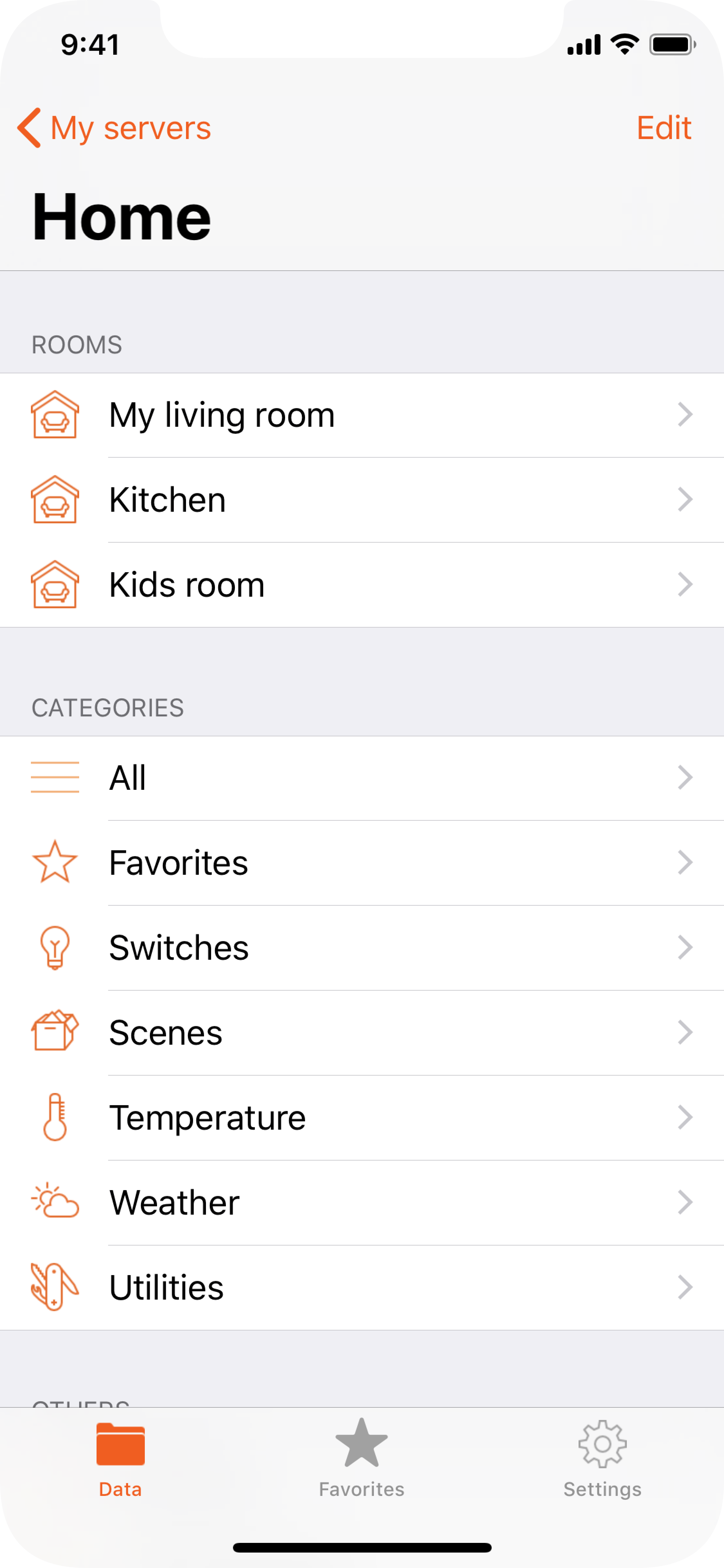
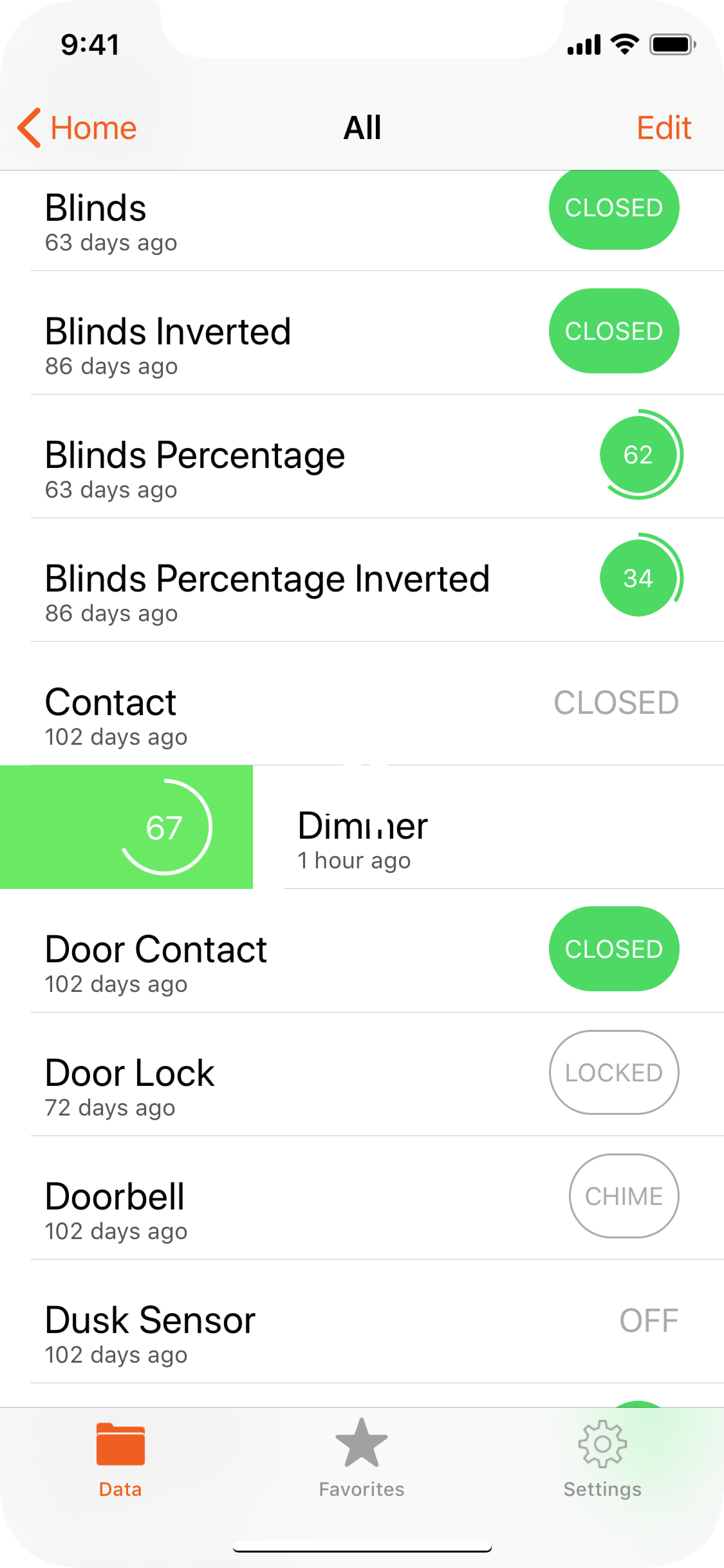
It was very functional, but also incredibly austere. Pilot was clearly not “user-friendly”, its main advantage was to be able to trigger events and receive information. The visual aspect had never been my priority.
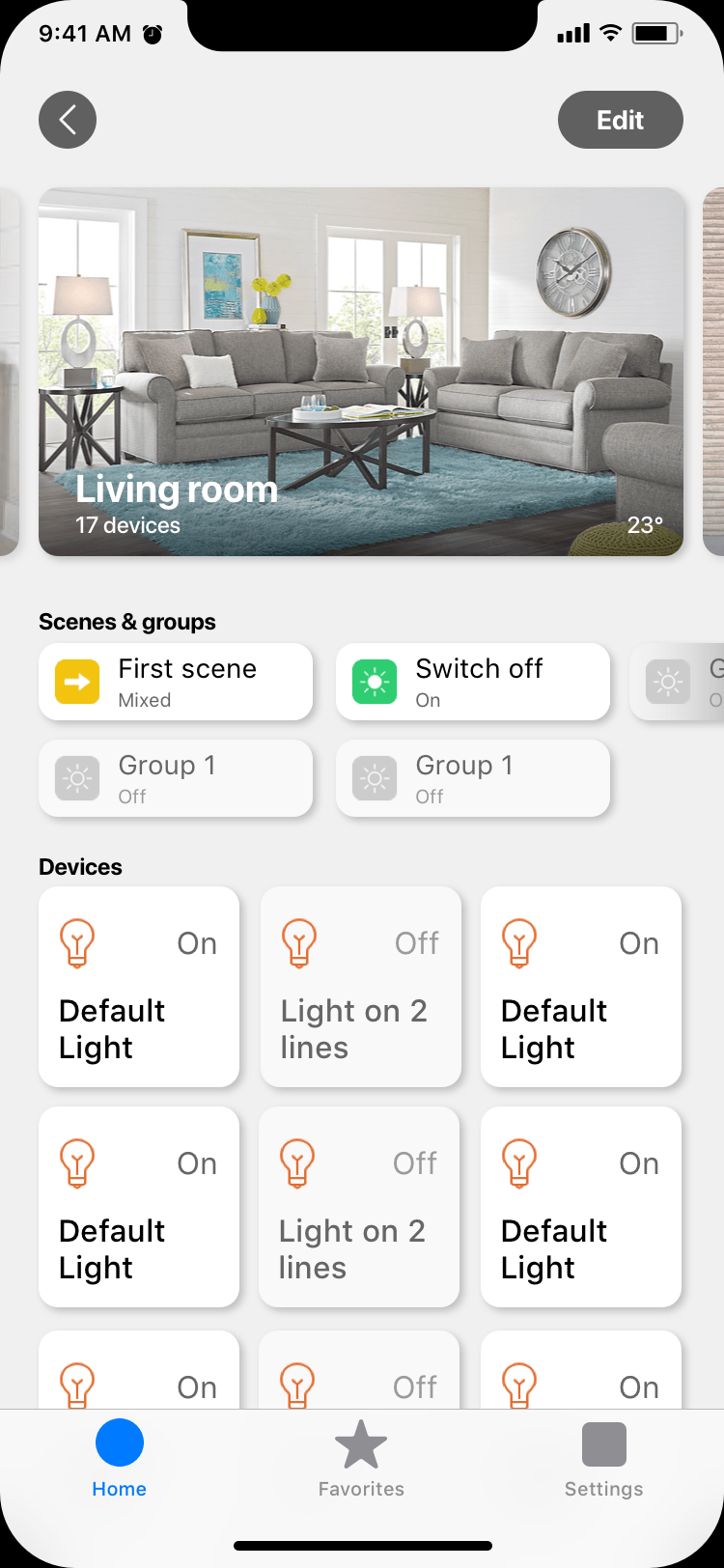
Today, it all changes. The interface needed a serious revamp. After several years of thinking, and a lot of discussion with the app community, I am able to deliver a brand new interface, all made from scratch.
|
 |
 |
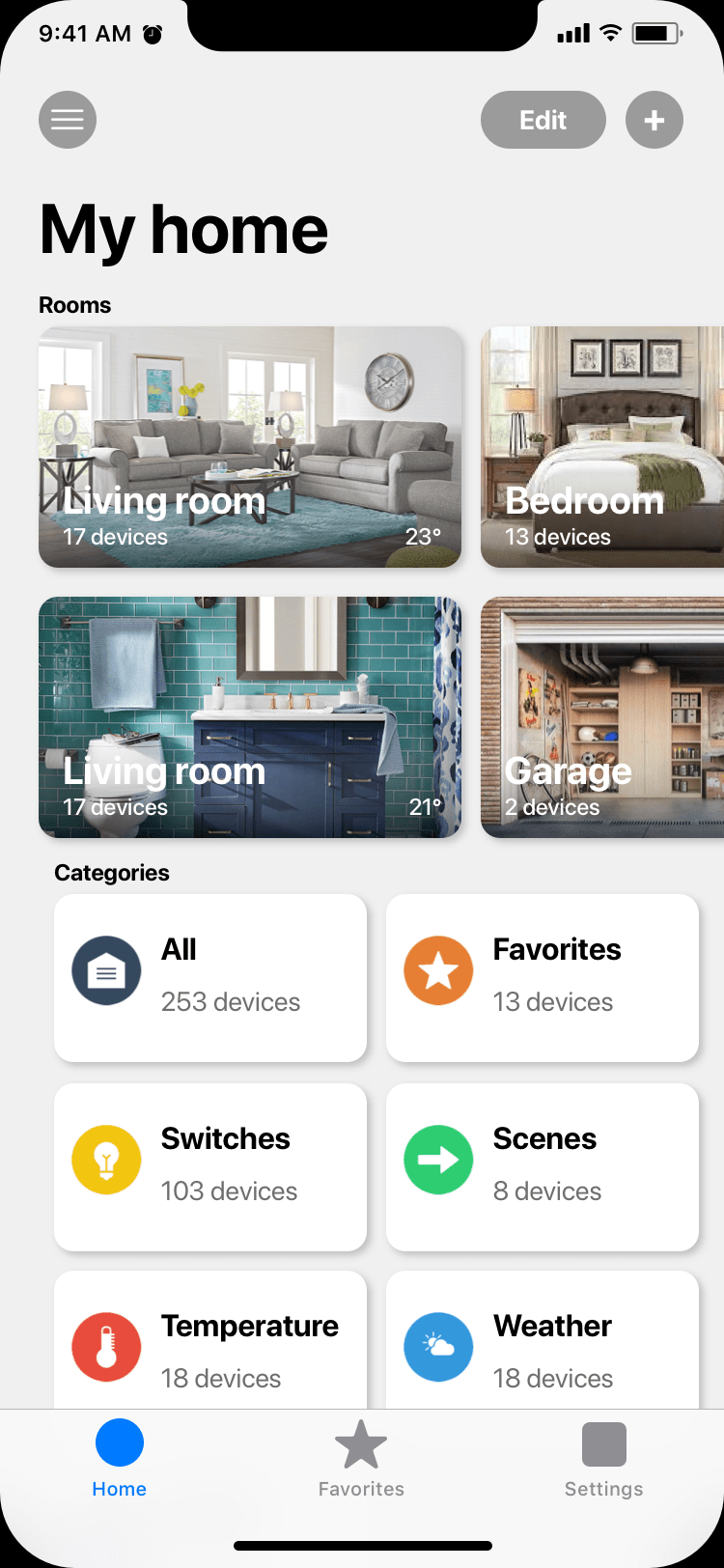
This new interface is modern while remaining familiar. Everything has been preserved and improved:
More devices are displayed on the screen
Just tap on a device to change its state. And for more possibilities, long press on it
Each room, each category, indicates the number of devices located there
Everyone can customize the interface by taking a picture of every room
A new interface to deliver even more new features
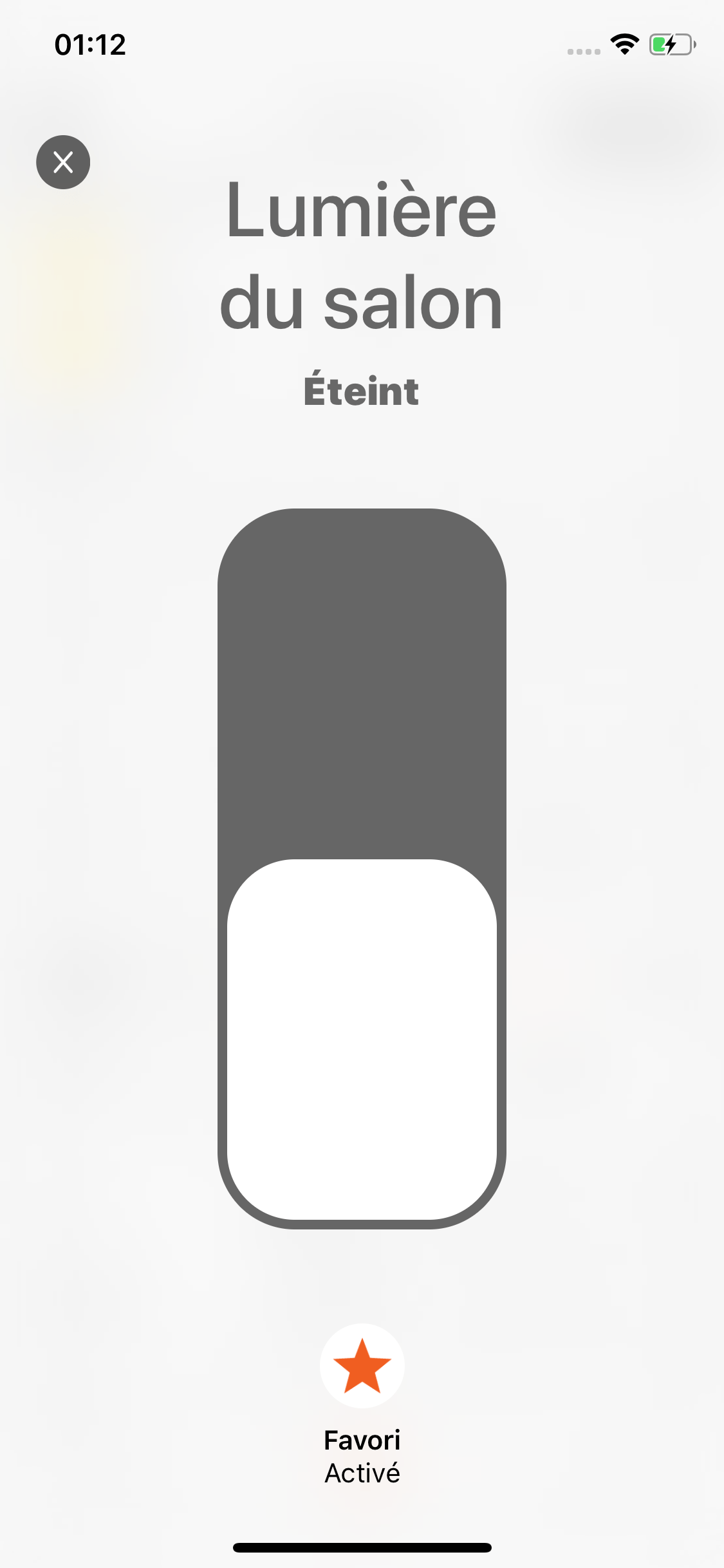
The interface is enriched with many screens that will be device-specific: whether you want to control your lights, shutters, alarm, custom equipment, scenarios, Pilot adapts to make your life easy.
Previously, the controls of each type of equipment appeared in very small, in the form of clickable buttons.
From now on, the controls are displayed in full screen.
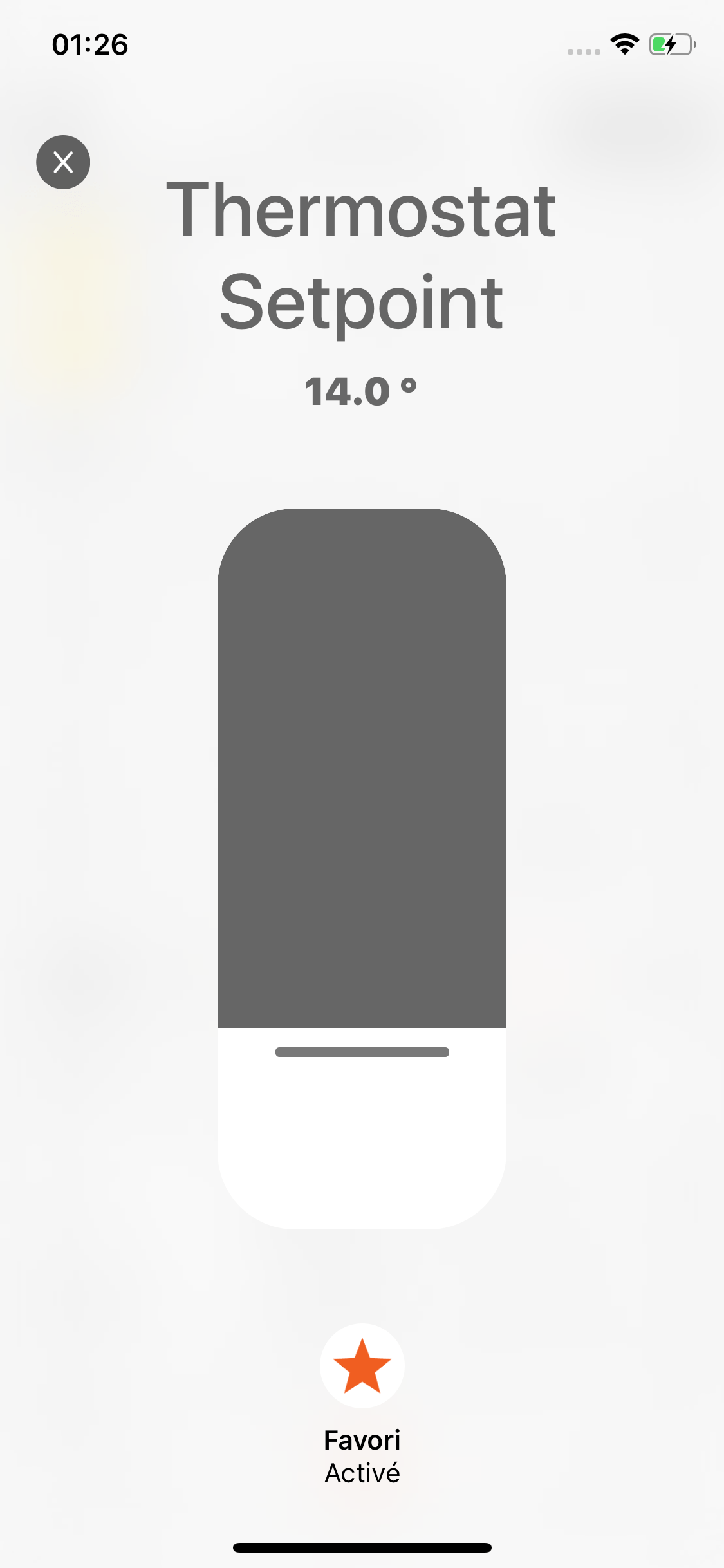 Thermostats |
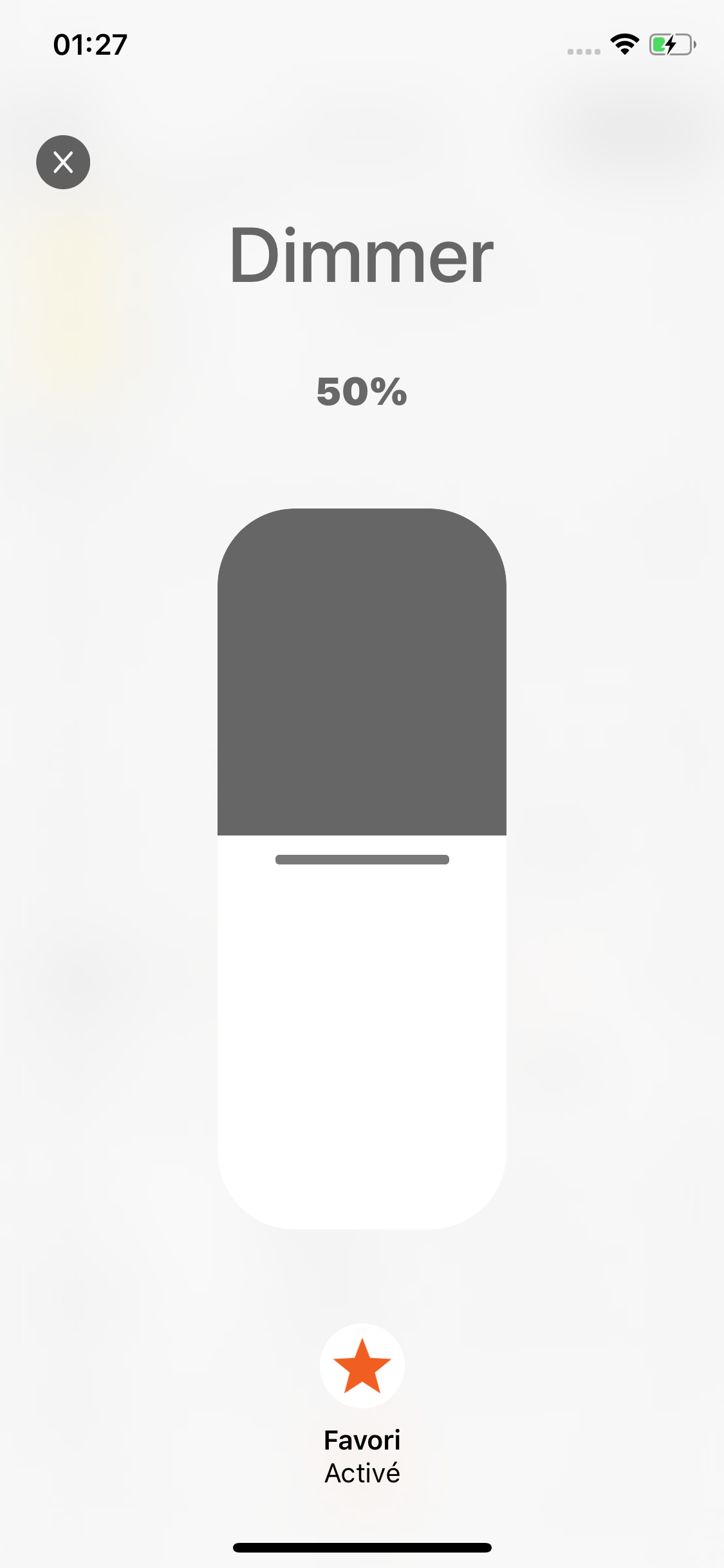 Dimmer switches |
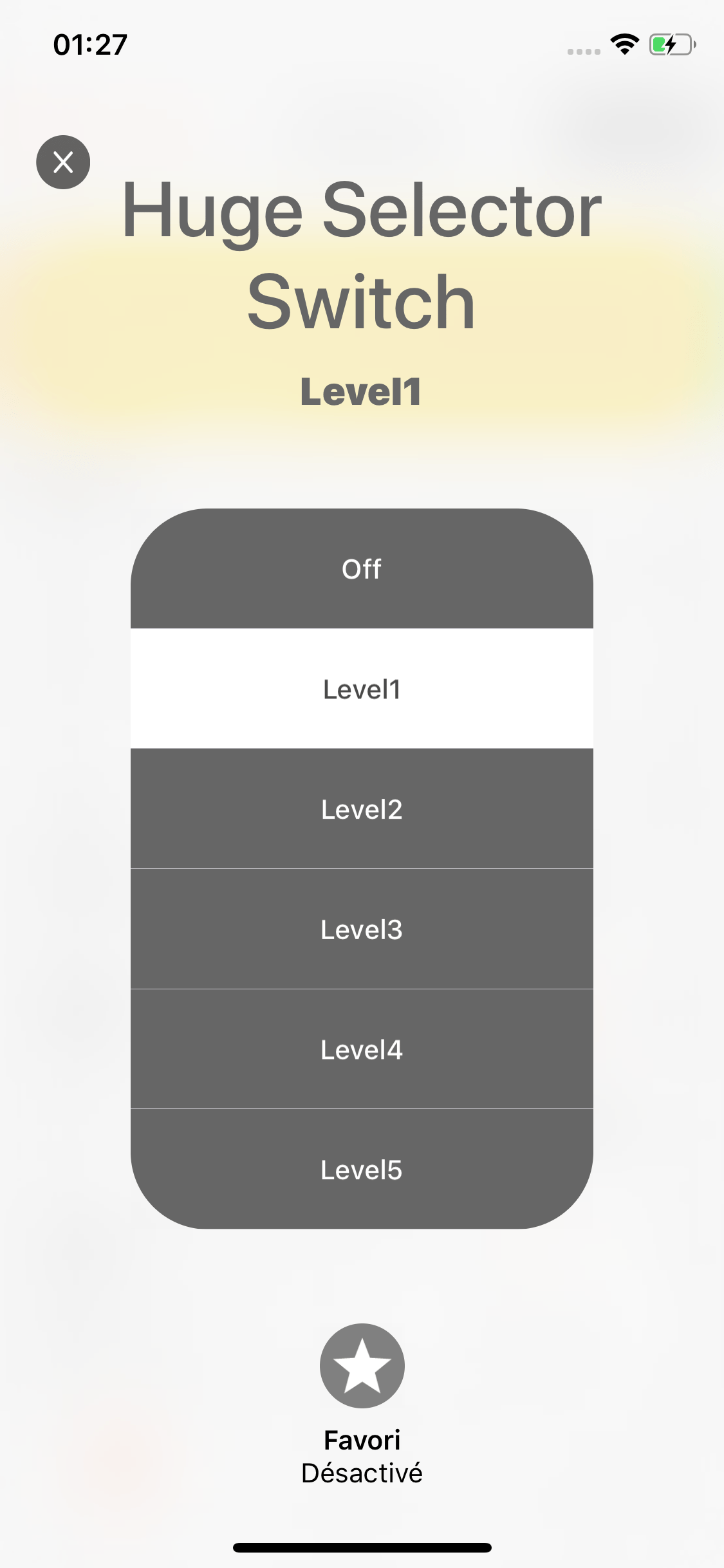 Sélectors |
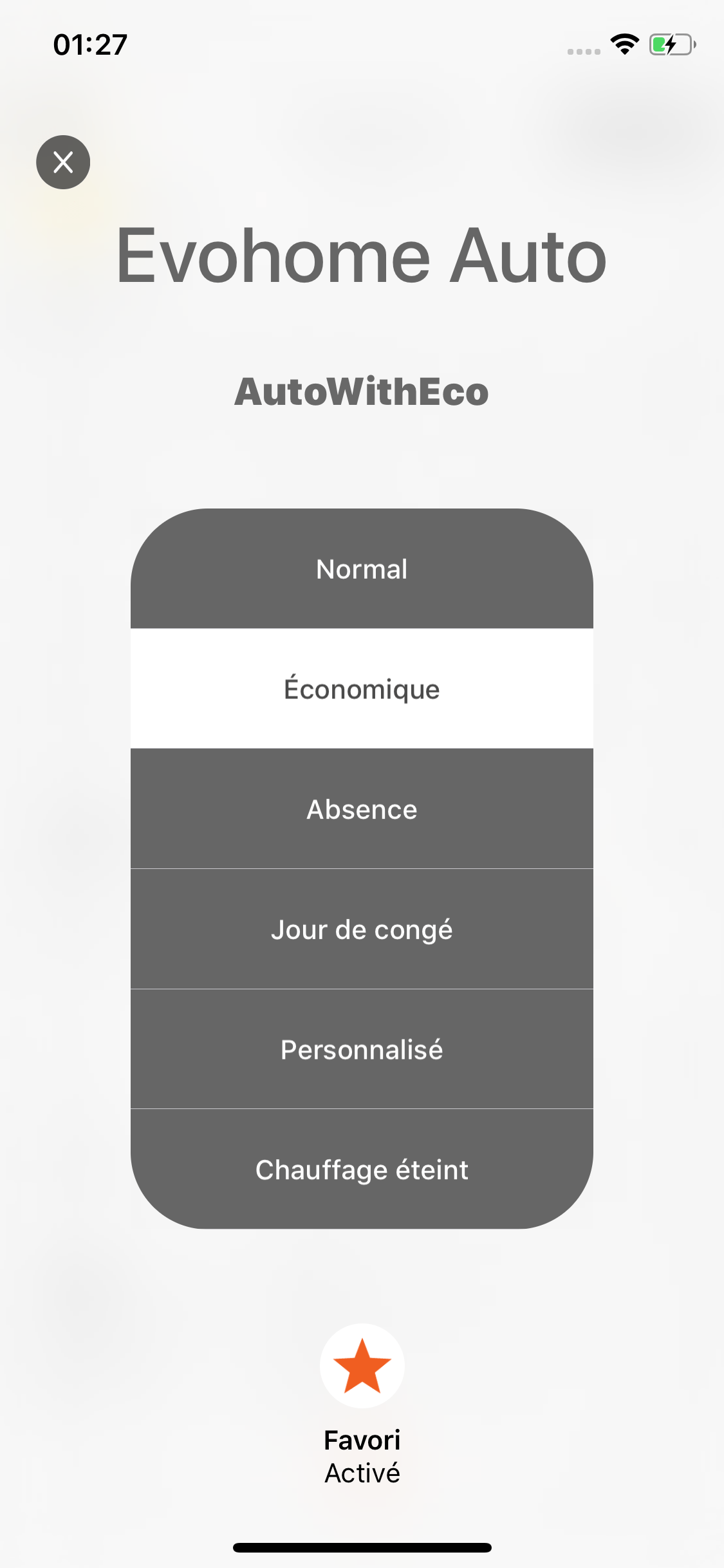 Evohome |
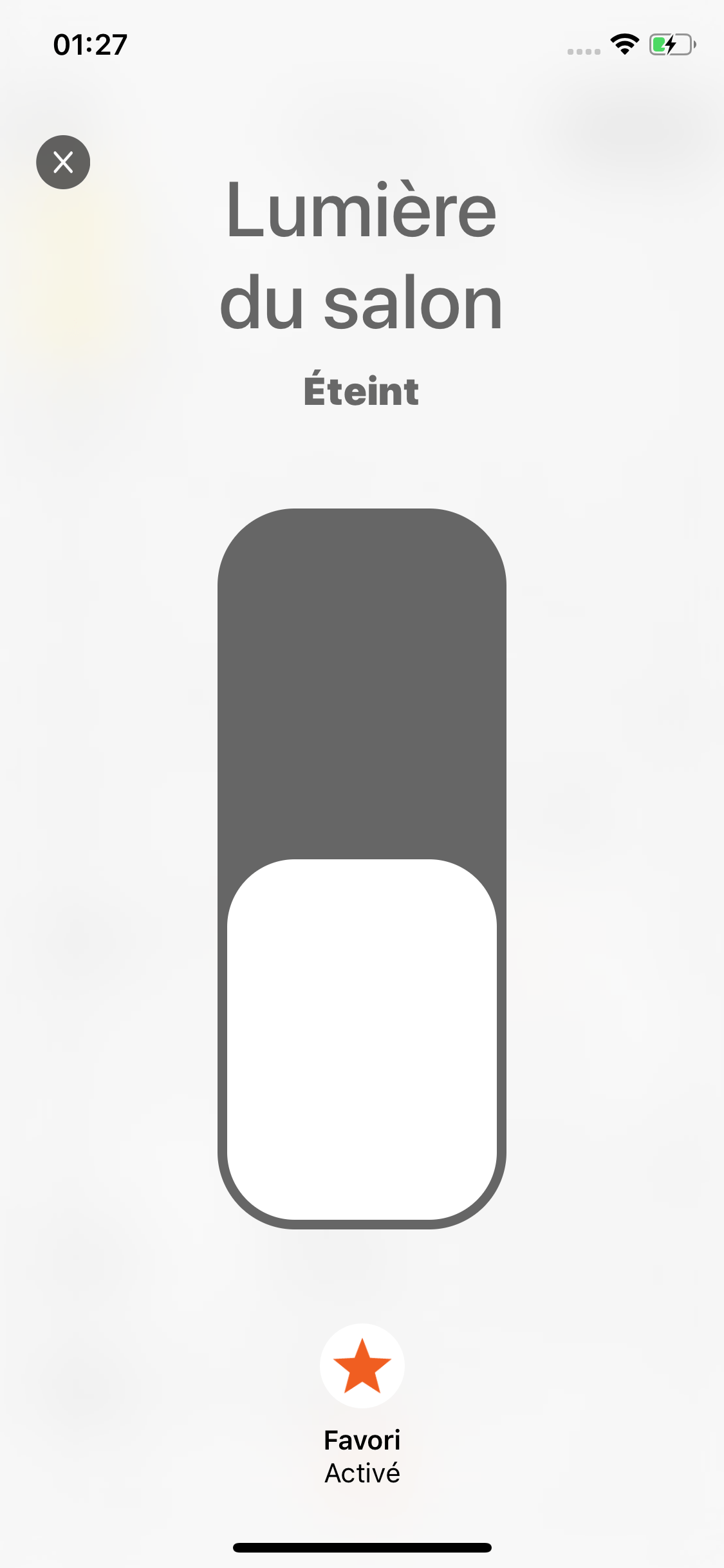 on/off switches |
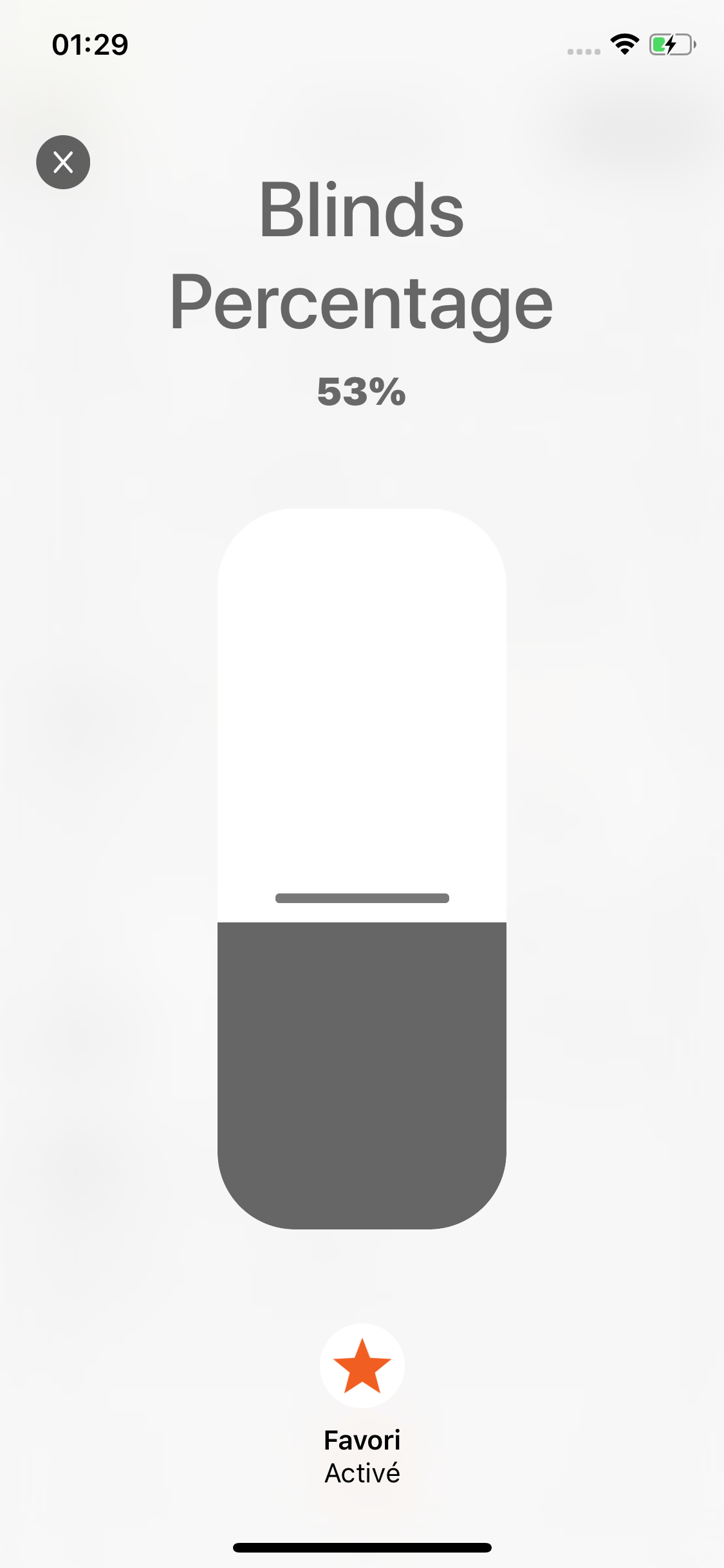 Dimmer blinds |
This new way to control your equipment in an intuitive way, and will allow me to propose specific features for each type of equipment.
This new interface is THE major feature of Pilot 3, but I also took the opportunity to accompany this release with many other minor features:
A new onboarding for Jeedom, much simpler and more robust than before
On each type of equipment, a small icon allows to better identify the proposed equipment
The “Favorites” widget takes over the new interface of the app
It is now possible to control password protected equipment directly from the widget or Watch
To allow time for some equipment to update, Pilot synchronizes with the server to stay up-to-date
Pilot 3 still works on iPhone, iPad, Apple Watch. The application remains free with an in-app purchase of 9.99 € to unlock all features.