Pilot 2026.6 — Control Center & Shortcuts for Domoticz & Jeedom on iOS
Pilot 2026.6 adds iOS Control Center toggles, a Get Device State action for Siri & Shortcuts, and Domoticz Thermostat 6 support. The native iOS app for Domoticz and Jeedom, now even faster to reach.
Published: Jun 1, 2026Updated: Jun 1, 2026
Pilot 2026.3 was about how the app looks. 2026.6 is about how little you have to open it.
Pilot connects straight to your own Domoticz or Jeedom server — no cloud, no relay, no tracking. This release pushes your devices out of the app and into the places you already are: Control Center, Siri, and the Shortcuts you build yourself.
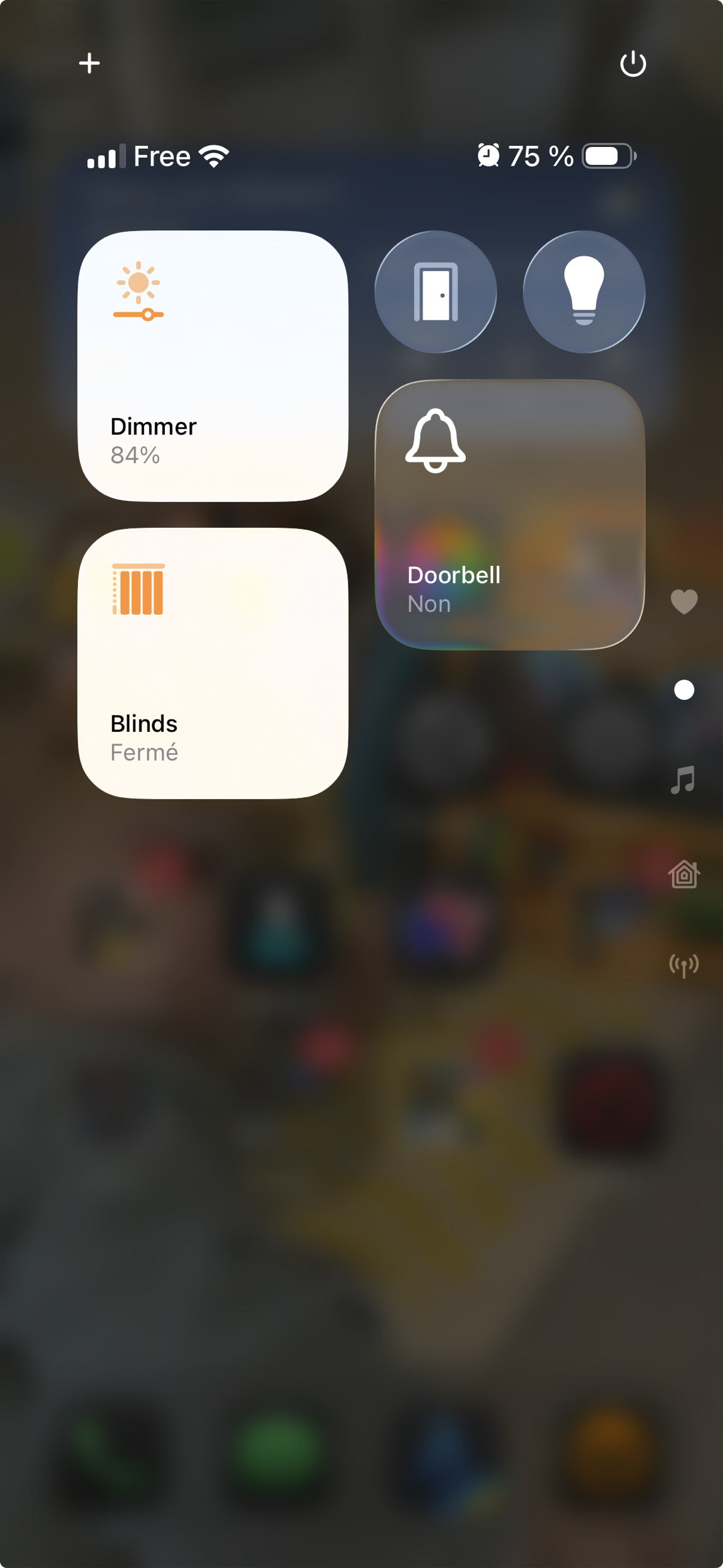
Toggle your devices straight from Control Center
Control Center, One Swipe Away
On iOS 18, you can add your Pilot devices straight to Control Center. Swipe down, tap, done — lights, switches, blinds, groups, and scenes all respond without ever opening the app.
Each control reads the live state from your server, so the toggle reflects what’s actually happening at home. It’s the fastest Pilot has ever been to flip a switch. Control Center controls are part of Pilot Premium.
Ask Siri. Build Shortcuts. Read Any Device.
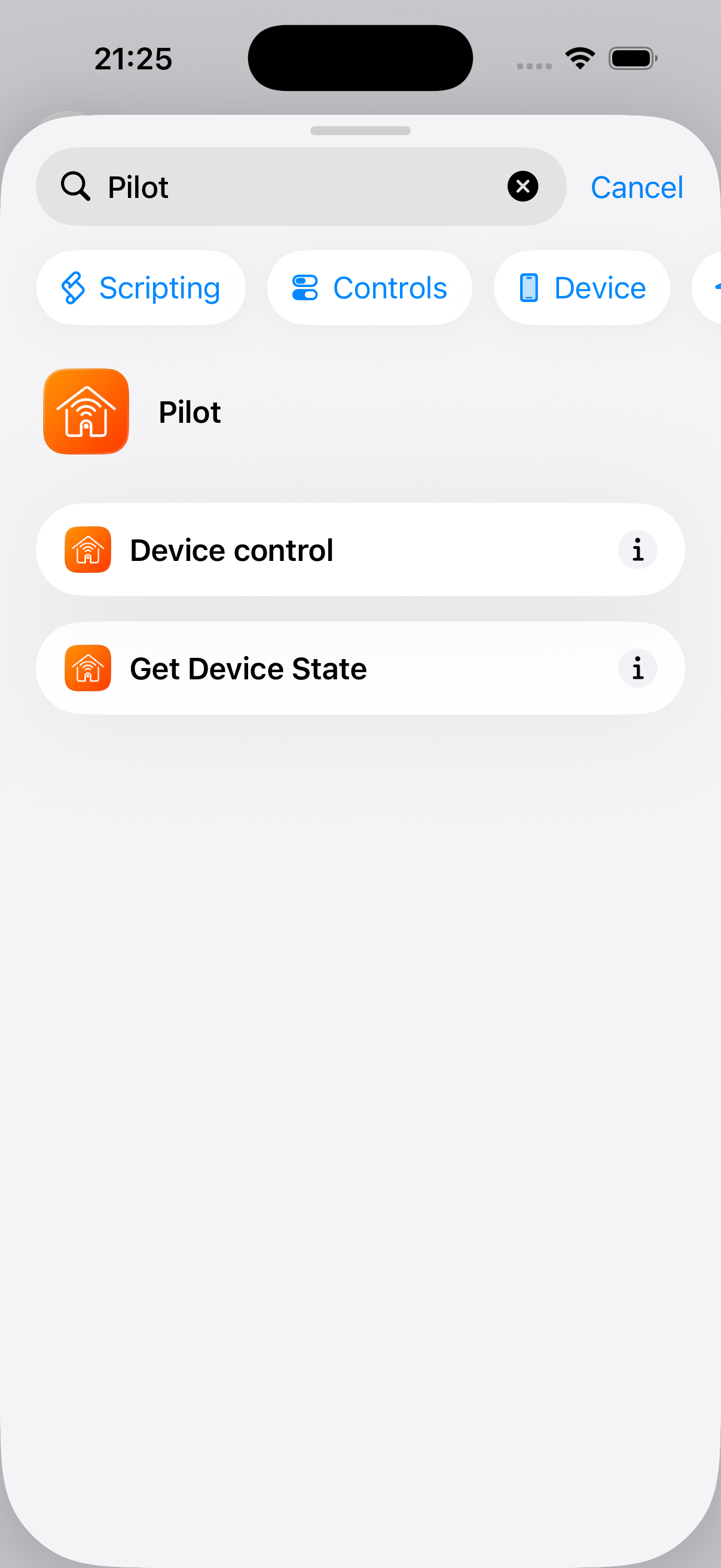
Pilot already let you control devices with Siri and Shortcuts. Now it can read them too.
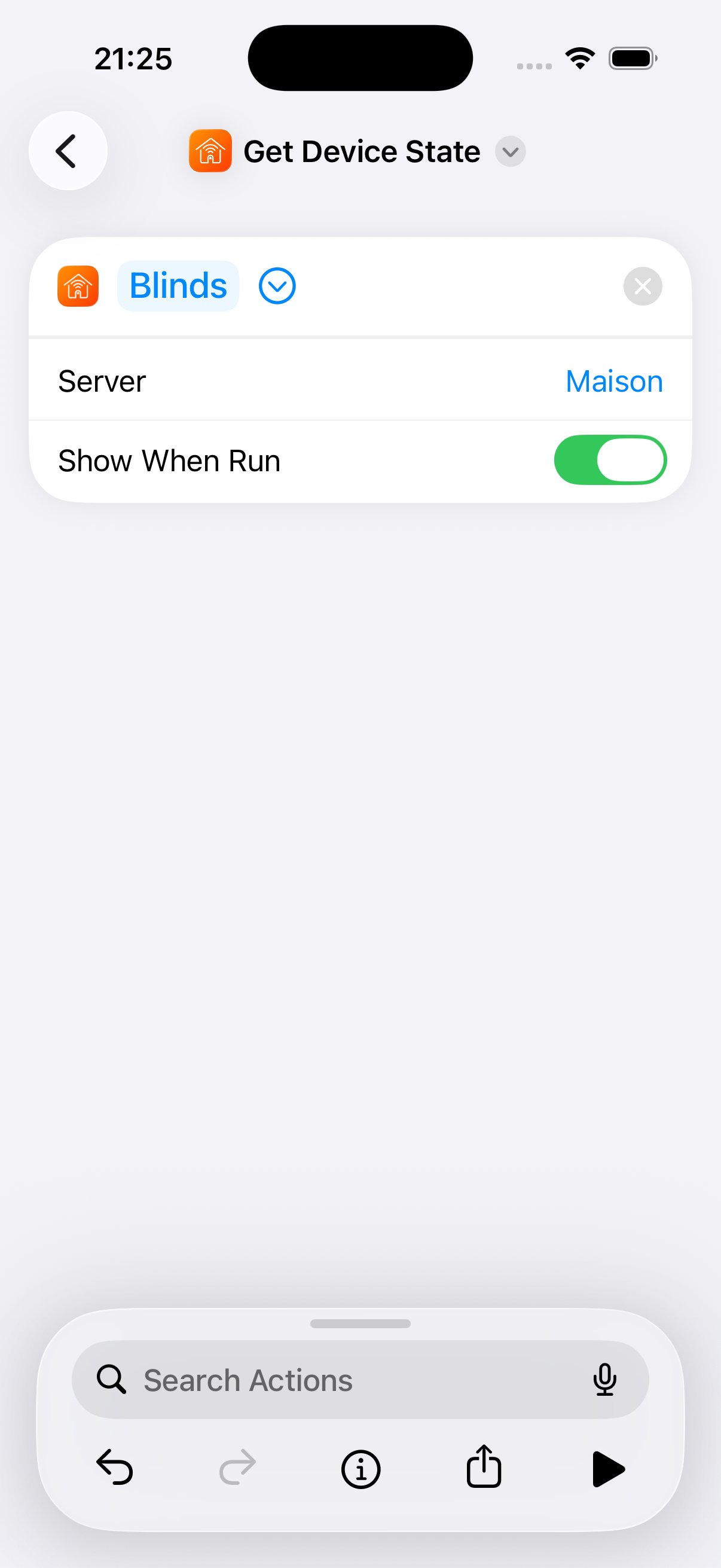
Pilot adds a Get Device State action to Shortcuts
The new Get Device State action returns any device’s current state — its name, its status label, and its numeric value — as variables you can use anywhere in the Shortcuts app. Ask Siri whether the garage is open. Trigger an automation only when the living-room temperature drops below 19°. Pipe a sensor reading into a notification. It works across both Domoticz and Home Assistant. Running the action is a Premium feature.
Point it at any device on any of your servers
Smarter Thermostats
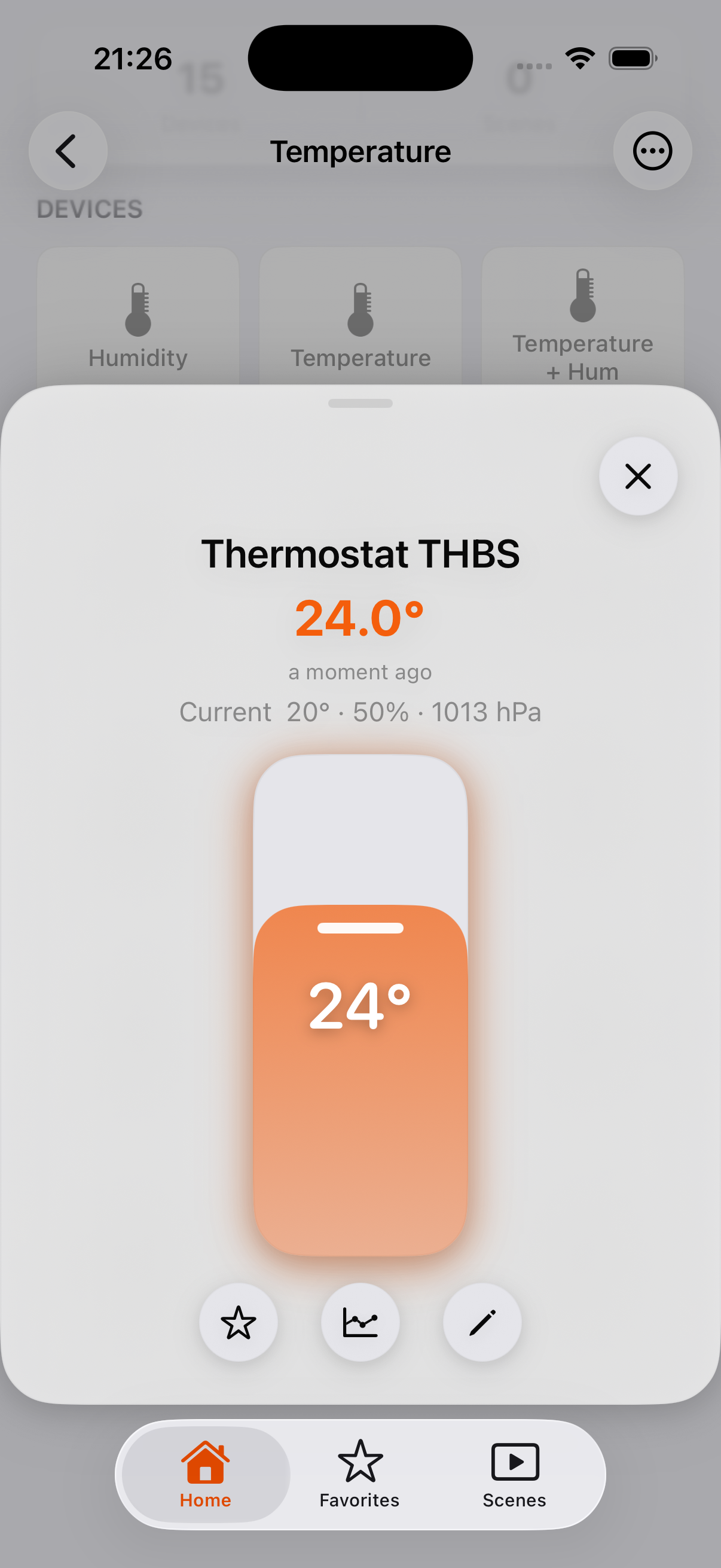
Pilot now supports Domoticz Thermostat 6 devices (Domoticz 2025.12 and later), which combine a setpoint and a sensor in one. The tile shows the temperature you set as the main value, with the current room temperature right beneath it as now 19.4° — so you see the target and the reality at a glance, across your tiles, widgets, and Apple Watch.
Open the control and you’ll also see current temperature, humidity, and barometer when your device reports them. And a long-standing annoyance is fixed: “Heating Zone” devices now correctly show the setpoint instead of the current temperature.
Setpoint front and center, current temperature beneath
Smoother and More Reliable
A lot of this release is the quiet kind of work:
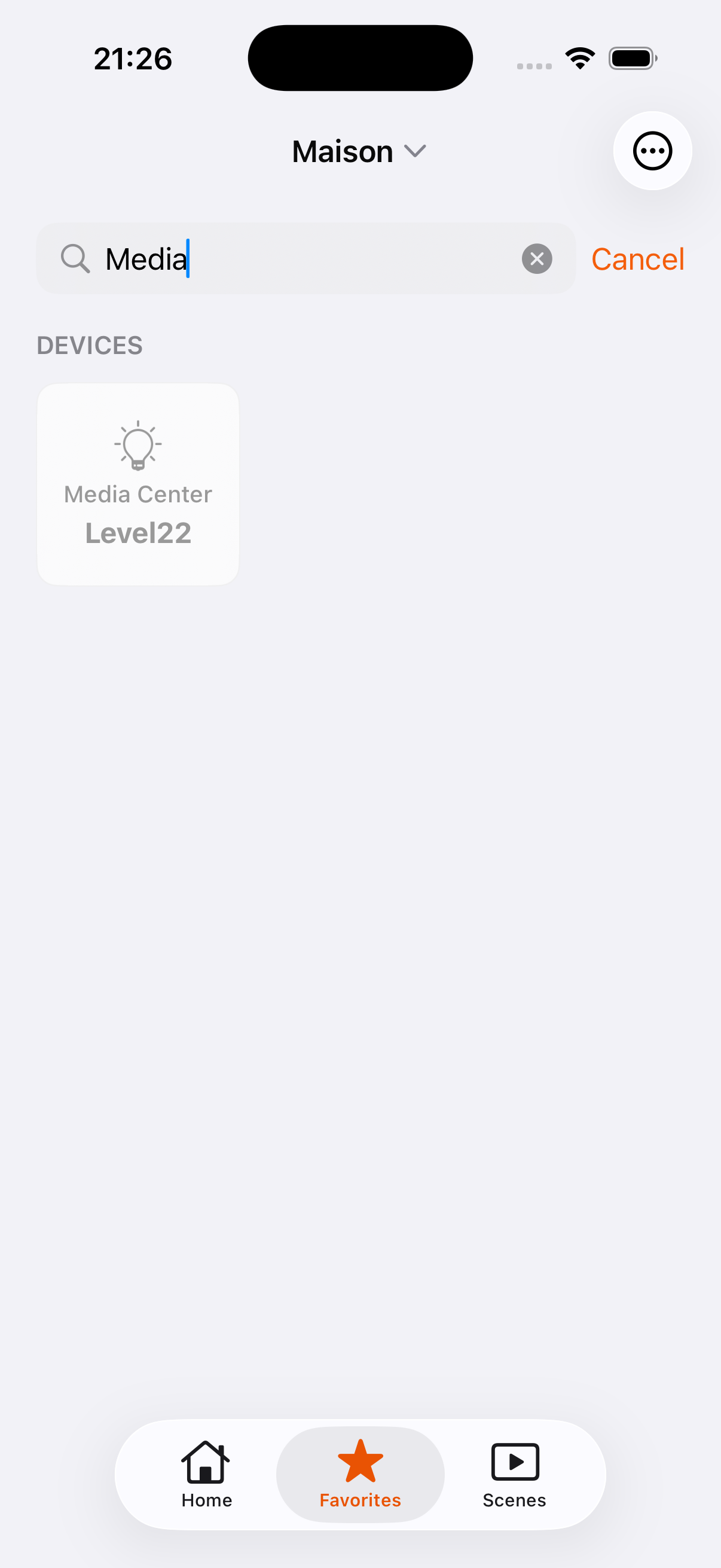
Search that works again. Browsing search misbehaved for some setups after the 2026.3 redesign — the search bar wouldn’t dismiss. It’s rebuilt from the ground up, and Home search now covers your entire server, not just the room you’re in.
Cameras on newer Domoticz. Snapshot loading is fixed for Domoticz 2024.7 and later, which changed how it authenticates.
Clearer purchases. Subscription errors now tell you what actually went wrong instead of “Unknown error,” and Family Sharing members are unlocked automatically instead of hitting a wall.
Polish throughout. Scene tiles are cleaner, grid density is available to everyone in Appearance, and there’s refinement in a hundred small places.
Search, rebuilt and reliable again
Still Your Home, Still Your Server
If you run Domoticz or Jeedom, you chose to own your setup. Pilot keeps it that way — everything talks directly to your server, and nothing about your home leaves your devices. 2026.6 just gives you more places to reach it from.
Available Now
Pilot 2026.6 is on the App Store. If the app earns it, a quick review genuinely helps.
We use optional analytics cookies to understand site usage and improve Pilot. You can accept or reject analytics cookies. Read our privacy policy.